· Packyard Team · How-Tos · 4 min read
Why Your Pet Grooming Software Needs Native Square Integration
Disconnected grooming software and payment systems cost you hours weekly. Learn why pet grooming software Square integration matters and what to look for in a unified solution.
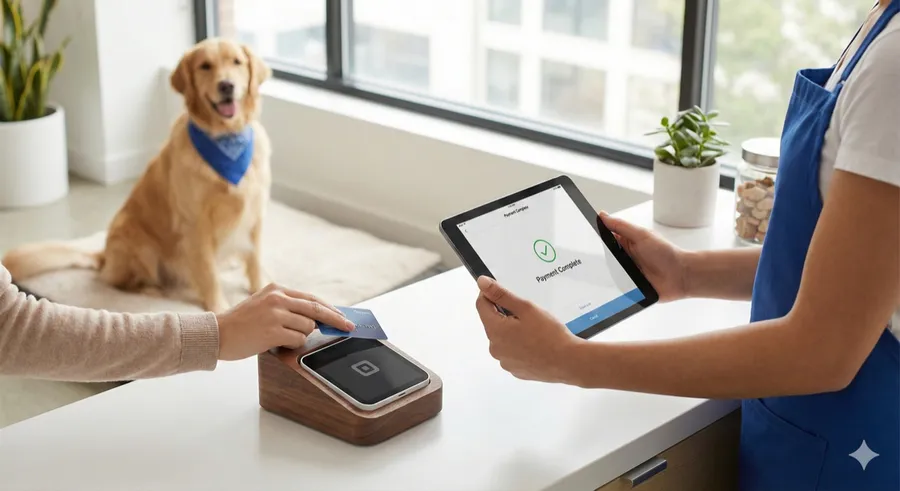
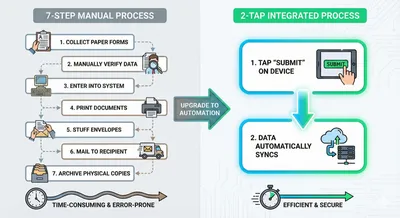
It’s 4pm. Your last dog of the day is ready for pickup. The client is waiting. You’re toggling between your scheduling app and your Square terminal, manually keying in the total, hoping your end-of-day numbers will match. They rarely do.
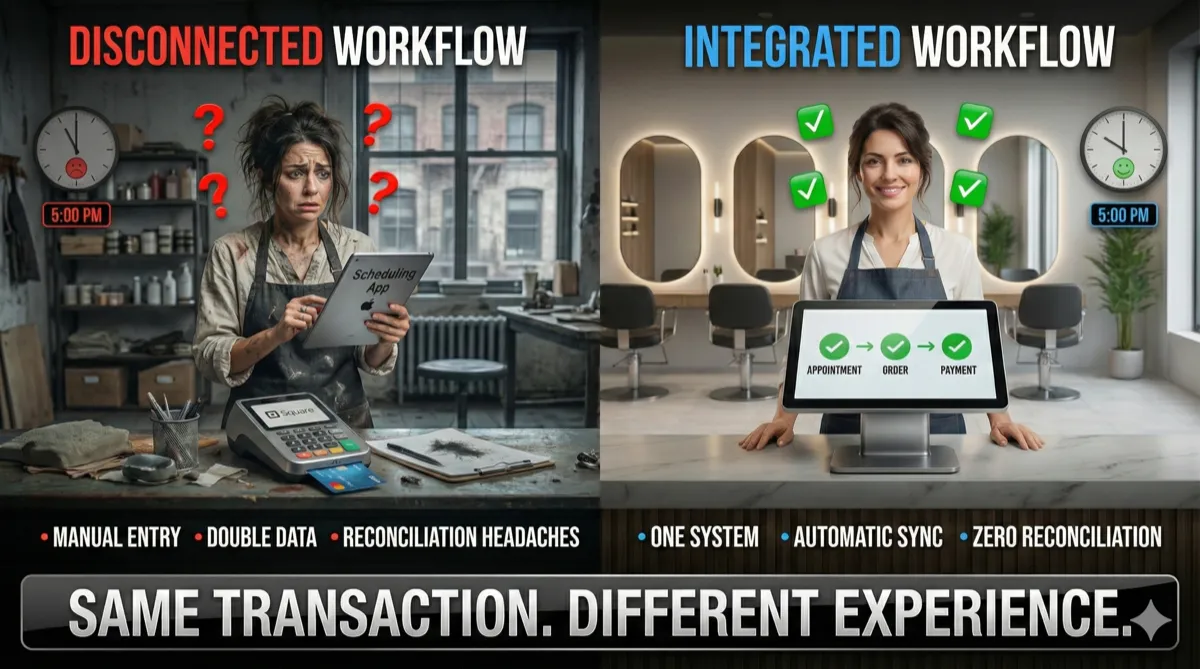
This two-screen shuffle happens dozens of times daily in grooming businesses running disconnected systems. Your booking software doesn’t talk to your payment processor. Every transaction requires double-entry. Every reconciliation session reveals discrepancies you can’t explain.
The cost isn’t just frustration—it’s hours of unpaid admin work and errors that erode your margins.
The Real Cost of Disconnected Systems
Manual payment entry introduces errors that compound monthly. Many groomers report unexplained discrepancies of $100 or more on $8,000 in monthly revenue—money lost to keying mistakes, missed charges, and mismatched records.
Time compounds the damage. Groomers running disconnected systems report spending 15-30 minutes daily on reconciliation—8-15 hours monthly of unpaid administrative work that could be spent grooming dogs or building client relationships.
The client experience suffers too. “Hold on, let me ring this up in our other system” signals disorganization. It breaks the flow of an otherwise professional interaction and plants doubt about whether their pet’s records are equally fragmented.
When disputes arise, disconnected records multiply the complexity. Which system is correct? Where’s the original appointment note? Why doesn’t the payment amount match the service total?
What “Integration” Actually Means
Not all integrations are equal. The market uses the word loosely, and the differences matter enormously for your daily operations.
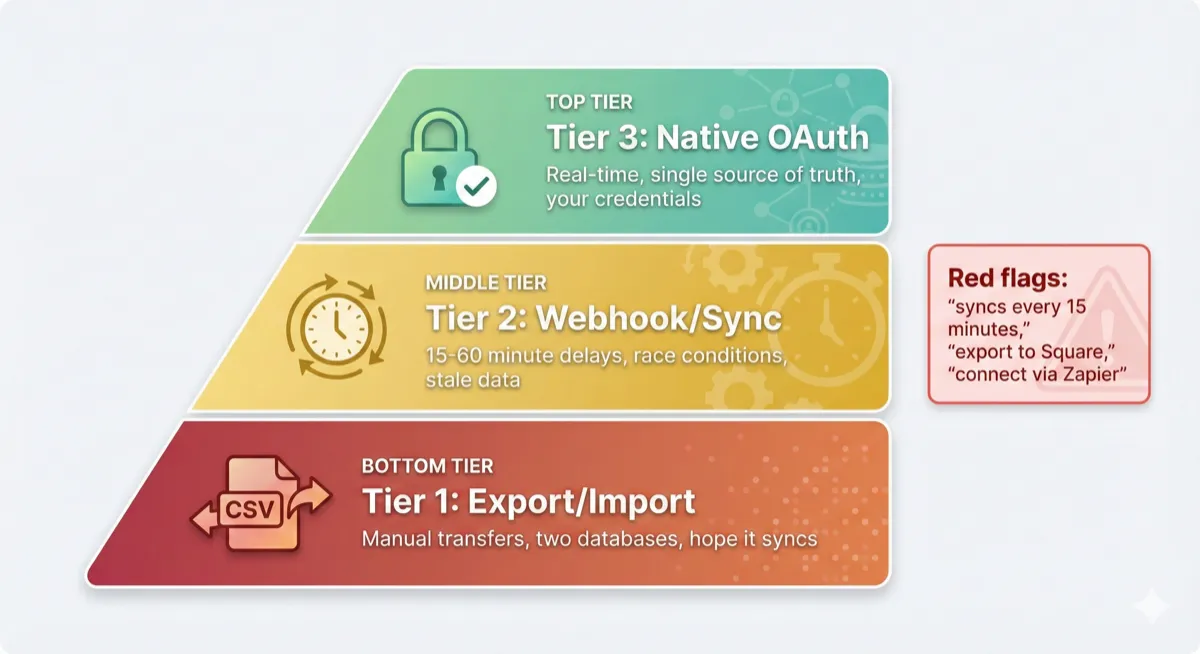
Tier 1: Export/Import. Manual CSV transfers between systems. Better than nothing, but you’re still maintaining two separate databases and hoping the files sync correctly.
Tier 2: Webhook/Sync. Systems communicate on a delay—typically syncing every 15-60 minutes. This creates race conditions where your booking system shows one thing and Square shows another. Refunds processed in one system may take hours to reflect in the other.
Tier 3: Native OAuth. Real-time, single source of truth. You connect your own Square account directly. When an appointment completes, it becomes an order automatically. Payment posts to both systems simultaneously. Tips, refunds, and adjustments flow without manual intervention.
Red flags when evaluating grooming software: “syncs every 15 minutes,” “export to Square,” “connect via Zapier.” These phrases indicate Tier 1 or 2 integration—functional, but you’ll still reconcile manually.
Native OAuth integration means you authenticate with your own Square credentials. Square handles payment processing directly while the software manages the workflow—your funds never pass through the software vendor.
Why Integrations Fail (And What It Costs You)
Integrations aren’t permanent infrastructure. They’re business relationships that can change without warning.
Partnerships end. APIs deprecate. Companies pivot their strategy. When your payment integration breaks mid-business-day, you face two bad options: stop accepting cards entirely, or process payments manually and reconcile later.
Recent industry disruptions have left thousands of grooming businesses scrambling for alternatives that work with their existing payment infrastructure. The businesses that suffered most were those locked into software with only one payment integration pathway. Read more about why MoeGo users are looking for Square alternatives.
Before committing to any grooming software, ask direct questions: Is this integration contractually guaranteed? What happens if the payment processor terminates API access? Does your business model depend on maintaining this integration?
Software vendors with marketplace presence—listed in Square’s App Marketplace, for example—have ongoing compliance incentives and direct relationships with the payment processor. Those built on unofficial or workaround integrations carry higher breakage risk.
What to Look For in Payment-Integrated Grooming Software
☐ Native OAuth Connection: You authenticate with your own Square account. The software vendor never holds your payment credentials.
☐ Real-Time Transaction Sync: Payments post immediately to both systems. No batching, no delay, no reconciliation drift.
☐ Card-on-File Support: Securely save client payment methods for deposits, no-show fees, and faster checkout. Tokenization happens through Square’s secure infrastructure. This capability is critical for no-show prevention systems that automatically charge fees.
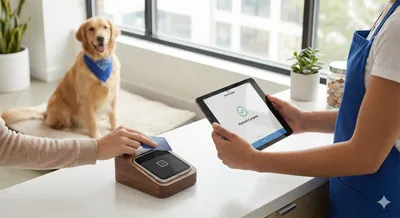
☐ Terminal Support: Pair Square Terminal devices for in-person payments without switching systems or double-entering amounts.
☐ Marketplace Presence: Software listed in Square’s App Marketplace has been vetted for compliance and has ongoing incentive to maintain the integration.
The difference between checking these boxes and settling for partial integration compounds over months. Every minute saved on reconciliation, every error avoided, every smooth client checkout adds up.
Take the Next Step
Your scheduling system and payment processor should be the same system.
See how native Square integration with real-time payment sync eliminates manual reconciliation, or explore complete grooming salon software with Square payments built in from day one—not bolted on as an afterthought.
Start your free trial today and experience checkout without the two-screen shuffle.